 Cloudera
Cloudera Streaming Operators
Updated:
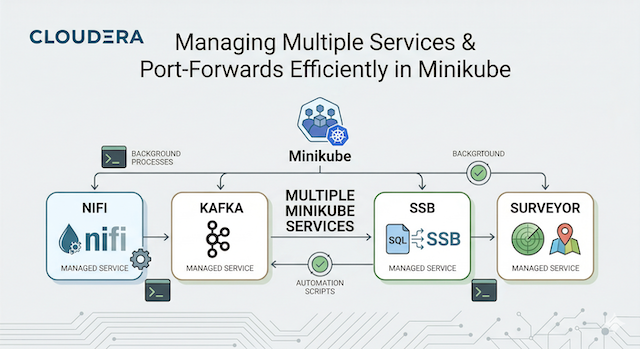
Setting up a new Macbook for Data Engineering is quite a chore. In this guide, we will go from a fresh macOS install to running the full suite of Cloudera Streaming Operators (CFM, CSA, CSM) on a local Minikube cluster.
Please note that we are utilizing the Evaluation examples for these services. This is a critical step for any engineer; mastering the foundational configurations is essential before moving into complex, secured, and high-availability production architectures.
🚀 Let’s get started!
💻 My Macbook Setup
First, we need the “Swiss Army Knife” of macOS: homebrew. We will use it to install our core CLI tools, container runtimes, and local Kubernetes environment.
# Install Homebrew (if not already installed)
/bin/bash -c "$(curl -fsSL https://raw.githubusercontent.com/Homebrew/install/HEAD/install.sh)"

# Install Core Tools
brew install git docker python minikube kubernetes-cli k9s helm

# Start Docker Desktop (or Colima)
open /Applications/Docker.app

# Spin up Minikube with enough resources for the full stack
minikube start --cpus 6 --memory 16384
 Pro Tip! Make sure you have enough resources in docker, then use minikube start to allocate cpu and memory as shown above.
📦 Some Helm and Kubectl Setup
Let’s get started with kubectl by creating a namespace and a docker secret we will use with each operator. We will login now and pull these Cloudera Streaming Operators from the Cloudera Helm Registry during installs later.
# 1. Create the namespace
kubectl create namespace cld-streaming

# 2. Add Cloudera License Credentials
kubectl create secret docker-registry cloudera-creds \
  --docker-server=container.repository.cloudera.com \
  --docker-username=<CLOUDERA_LICENSE_USER> \
  --docker-password=<CLOUDERA_LICENSE_PASSWORD> \
  -n cld-streaming


helm repo add jetstack https://charts.jetstack.io
helm install cert-manager jetstack/cert-manager --version v1.16.3 --namespace cert-manager --create-namespace --set installCRDs=true
helm registry login container.repository.cloudera.com
Pro Tip! If you are working with helm over time across different clusters, remember you may need to relogin again.
🎡 Install Cloudera Streams Messaging Operator(CSM 1.6)
Next, we will stand up our messaging backbone: Kafka. The CSM 1.6 operator makes it incredibly simple to deploy a Kafka cluster for local development. First let’s install the Strimzi Kafka Operator from Cloudera:
# Install Cloudera Kafka Strimzi Operator
helm install strimzi-cluster-operator --namespace cld-streaming --set 'image.imagePullSecrets[0].name=cloudera-creds' --set-file clouderaLicense.fileContent=./license.txt --set watchAnyNamespace=true oci://container.repository.cloudera.com/cloudera-helm/csm-operator/strimzi-kafka-operator --version 1.6.0-b99
Create the kafka-eval.yaml as follows:
kafka-eval.yaml
apiVersion: kafka.strimzi.io/v1
kind: Kafka
metadata:
  name: my-cluster
  annotations:
    strimzi.io/node-pools: enabled
    strimzi.io/kraft: enabled
spec:
  kafka:
    version: 4.1.1.1.6
    listeners:
      - name: plain
        port: 9092
        type: internal
        tls: false
      - name: tls
        port: 9093
        type: internal
        tls: true
    config:
      offsets.topic.replication.factor: 3
      transaction.state.log.replication.factor: 3
      transaction.state.log.min.isr: 2
      default.replication.factor: 3
      min.insync.replicas: 2
  entityOperator:
    topicOperator: {}
    userOperator: {}
Create the kafka-nodepool.yaml as follows:
kafka-nodepool.yaml
apiVersion: kafka.strimzi.io/v1
kind: KafkaNodePool
metadata:
  name: combined
  labels:
    strimzi.io/cluster: my-cluster
spec:
  replicas: 3
  roles:
    - controller
    - broker
  storage:
    type: jbod
    volumes:
      - id: 0
        type: persistent-claim
        size: 10Gi
        kraftMetadata: shared
        deleteClaim: false
---
apiVersion: kafka.strimzi.io/v1
kind: KafkaNodePool
metadata:
  name: broker-only
  labels:
    strimzi.io/cluster: my-cluster
spec:
  replicas: 3
  roles:
    - broker
  storage:
    type: jbod
    volumes:
      - id: 0
        type: persistent-claim
        size: 10Gi
        kraftMetadata: shared
        deleteClaim: false
Execute the following kubectl apply command to create the kafka cluster:
kubectl apply --filename kafka-eval.yaml,kafka-nodepool.yaml --namespace cld-streaming
Notice the response:
kafka.kafka.strimzi.io/my-cluster created
kafkanodepool.kafka.strimzi.io/combined created
kafkanodepool.kafka.strimzi.io/broker-only created
📑 Deploy Schema Registry (CSM 1.6)
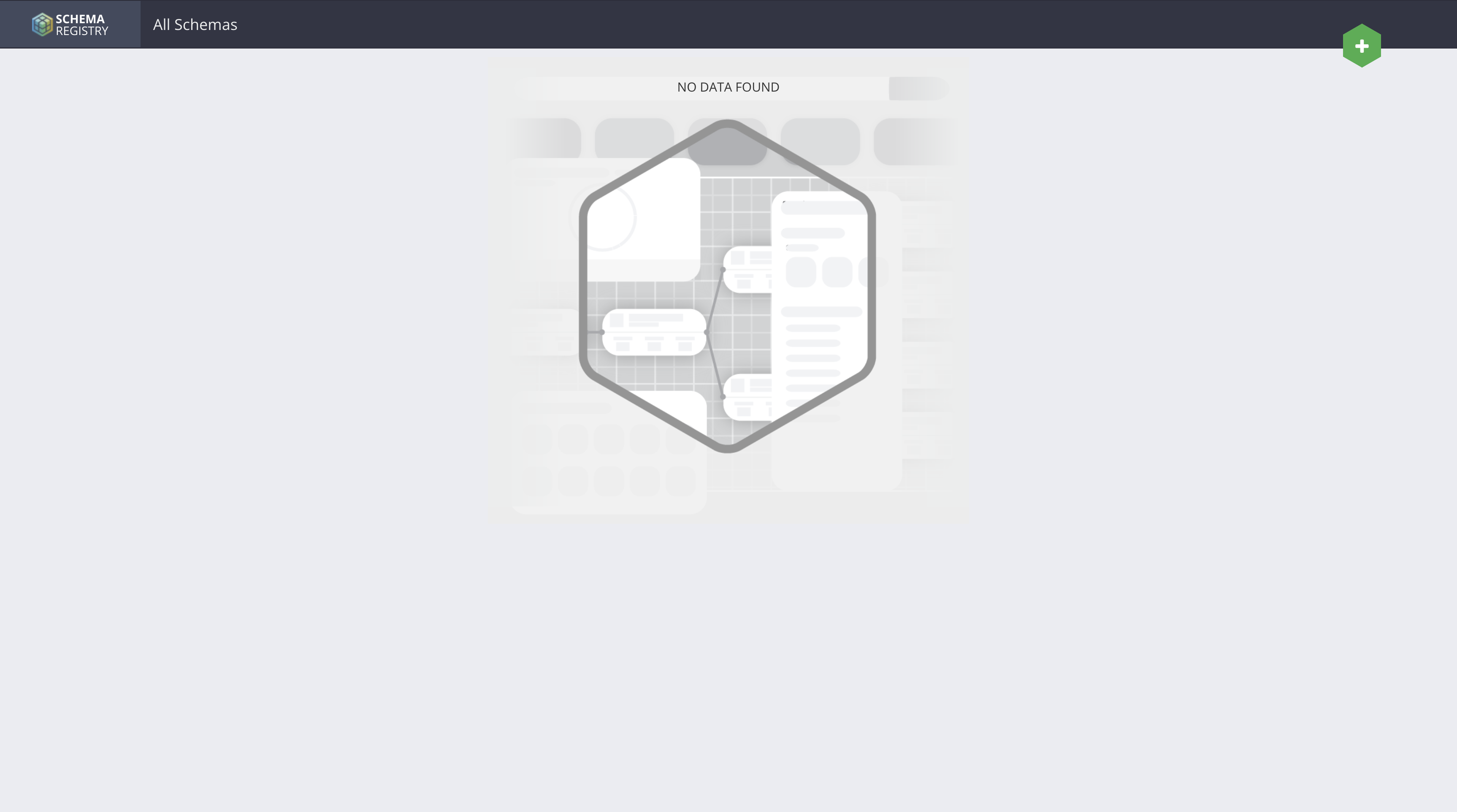
To manage our data serialization and ensure compatibility across the stack, we deploy the Cloudera Schema Registry. This allows to define schema for data that NiFI, Kafka, Flink and SSB can easily decipher.
Create the sr-values.yaml file as follows:
sr-values.yaml
tls:
  enabled: false
authentication:
  oauth:
    enabled: false
authorization:
  simple:
    enabled: false
database:
  type: in-memory
service:
  type: NodePort
Execute the following helm command to install Schema Registry:
# Install Schema Registry from the Cloudera OCI Registry
helm install schema-registry \
--namespace cld-streaming \
--version 1.6.0-b99 \
--values sr-values.yaml \
--set "image.imagePullSecrets[0].name=cloudera-creds" \
oci://container.repository.cloudera.com/cloudera-helm/csm-operator/schema-registry
Notice the following output:
Pulled: container.repository.cloudera.com/cloudera-helm/csm-operator/schema-registry:1.6.0-b99
Digest: sha256:6e7d57bf42ddefc3f216b977d91fd606caf78a456c6aa2989002ad4387fb5a6d
NAME: schema-registry
LAST DEPLOYED: Mon Mar  9 13:15:09 2026
NAMESPACE: cld-streaming
STATUS: deployed
REVISION: 1
DESCRIPTION: Install complete
TEST SUITE: None
NOTES:
Thank you for installing schema-registry.

Your release is named schema-registry.

WARNING: You configured Schema Registry to use an in-memory database. This setup is only suitable for testing and evaluation. Cloudera does not recommend this configuration for production use. All schemas will be lost when Pods restart.
🕵️ Deploy Kafka Surveyor (CSM 1.6)
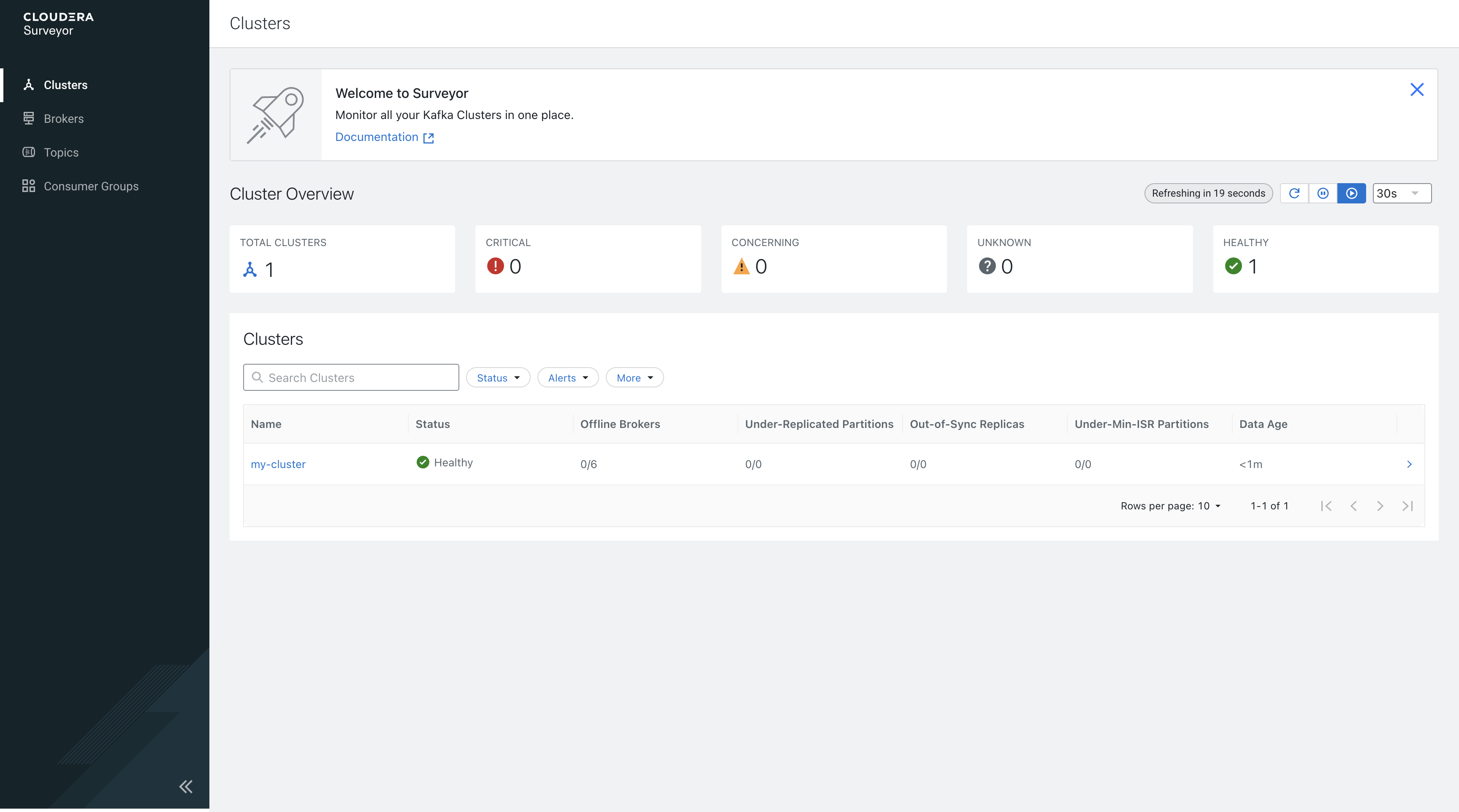
A new standout in the CSM Operator 1.6 is Kafka Surveyor. This provides advanced observability into your Kafka environment. It is a game-changer for monitoring broker health and topic metrics in a Kubernetes-native way.
Before we can create a surveyor yaml we need to find our kafka bootstrapServers:
kubectl get kafka my-cluster -n cld-streaming -o jsonpath='{.status.listeners[?(@.name=="plain")].bootstrapServers}'
Grab the following from the output:
my-cluster-kafka-bootstrap.cld-streaming.svc:9092
and use it to create the surveyor-eval.yaml as follows:
kafka-surveyor.yaml
clusterConfigs:
  clusters:
    - clusterName: my-cluster
      tags:
        - csm1.6
      bootstrapServers: my-cluster-kafka-bootstrap.cld-streaming.svc:9092
      adminOperationTimeout: PT1M
      authorization:
        enabled: false
      commonClientConfig:
        security.protocol: PLAINTEXT
surveyorConfig:
  surveyor:
    authentication:
      enabled: false
tlsConfigs:
  enabled: false
Execute the following helm command to install Cloudera Surveyor:
helm install cloudera-surveyor oci://container.repository.cloudera.com/cloudera-helm/csm-operator/surveyor \
  --namespace cld-streaming \
  --version 1.6.0-b99 \
  --values kafka-surveyor.yaml \
  --set image.imagePullSecrets=cloudera-creds \
  --set-file clouderaLicense.fileContent=./license.txt
Notice the following output:
Pulled: container.repository.cloudera.com/cloudera-helm/csm-operator/surveyor:1.6.0-b99
Digest: sha256:7e12c2b2ab8aca0351296f5c986d64d55a92b66e7ac6b599ccbd5b3fa9c13167
NAME: cloudera-surveyor
LAST DEPLOYED: Mon Mar  9 13:18:14 2026
NAMESPACE: cld-streaming
STATUS: deployed
REVISION: 1
DESCRIPTION: Install complete
TEST SUITE: None
NOTES:
Thank you for installing surveyor.

Your release is named cloudera-surveyor.
⚡ Deploy SQL Stream Builder (CSA 1.5)
To get started with SQL Stream Builder first we need to install the Cloudera Streaming Analytics Operator:
kubectl create -f https://github.com/jetstack/cert-manager/releases/download/v1.8.2/cert-manager.yaml
kubectl wait -n cert-manager --for=condition=Available deployment --all

helm install csa-operator --namespace cld-streaming \
    --version 1.5.0-b275 \
    --set 'flink-kubernetes-operator.imagePullSecrets[0].name=cloudera-creds' \
    --set 'ssb.sse.image.imagePullSecrets[0].name=cloudera-creds' \
    --set 'ssb.sqlRunner.image.imagePullSecrets[0].name=cloudera-creds' \
    --set 'ssb.mve.image.imagePullSecrets[0].name=cloudera-creds' \
    --set-file flink-kubernetes-operator.clouderaLicense.fileContent=./license.txt \
    oci://container.repository.cloudera.com/cloudera-helm/csa-operator/csa-operator
Notice the following output:
Pulled: container.repository.cloudera.com/cloudera-helm/csa-operator/csa-operator:1.5.0-b275
Digest: sha256:2ee057584ec167a9d70cabbe9a4f0aa8cd93ddf74e73da3c2617a829a87e593c
NAME: csa-operator
LAST DEPLOYED: Mon Mar  9 14:43:32 2026
NAMESPACE: cld-streaming
STATUS: deployed
REVISION: 1
DESCRIPTION: Install complete
TEST SUITE: None
🌊 Deploy NiFi (CFM 2.11)
Next we will deploy NiFi using the standard evaluation spec. This gives us a fully functional NiFi instance without the overhead of complex external persistence.
First install the CFM 2.11 Nifi Operator:
helm install cfm-operator oci://container.repository.cloudera.com/cloudera-helm/cfm-operator/cfm-operator \
  --namespace cfm-streaming \
  --version 2.11.0-b57 \
  --set installCRDs=true \
  --set image.repository=container.repository.cloudera.com/cloudera/cfm-operator \
  --set image.tag=2.11.0-b57 \
  --set "image.imagePullSecrets[0].name=cloudera-creds" \
  --set "imagePullSecrets={cloudera-creds}" \
  --set "authProxy.image.repository=container.repository.cloudera.com/cloudera_thirdparty/hardened/kube-rbac-proxy" \
  --set "authProxy.image.tag=0.19.0-r3-202503182126" \
  --set licenseSecret=cfm-operator-license \
  --set-file clouderaLicense.fileContent=./license.txt
Create the nifi-eval.yaml as follows:
nifi-eval.yaml
apiVersion: cfm.cloudera.com/v1alpha1
kind: Nifi
metadata:
  name: mynifi
  namespace: cfm-streaming
spec:
  replicas: 1
  nifiVersion: "2.4.0"
  image:
    repository: container.repository.cloudera.com/cloudera/cfm-nifi-k8s
    tag: 2.11.0-b57-nifi_2.4.0.4.3.3.0-40
    pullSecret: cloudera-creds
  tiniImage:
    repository: container.repository.cloudera.com/cloudera/cfm-tini
    tag: 2.11.0-b57
    pullSecret: cloudera-creds
  hostName: mynifi.localhost
  uiConnection:
    type: Ingress
  configOverride:
    # Based on the error, we pass properties as a block or use the 2.11 'upsert' pattern
    nifiProperties:
      upsert:
        nifi.cluster.leader.election.implementation: "KubernetesLeaderElectionManager"
    authorizers: |
      <authorizers>
        <authorizer>
          <identifier>single-user-authorizer</identifier>
          <class>org.apache.nifi.authorization.single.user.SingleUserAuthorizer</class>
        </authorizer>
      </authorizers>
    loginIdentityProviders: |
      <loginIdentityProviders>
        <provider>
          <identifier>single-user-provider</identifier>
          <class>org.apache.nifi.authentication.single.user.SingleUserLoginIdentityProvider</class>
          <property name="Username">admin</property>
          <property name="Password">$2b$10$GRa8g9Z5rBENXPFNHFBosev9XmY6CSk0SdcBi5sQMRX92KD73asGG</property>
        </provider>
      </loginIdentityProviders>
  stateManagement:
    clusterProvider:
      id: kubernetes-provider
      class: org.apache.nifi.kubernetes.state.provider.KubernetesConfigMapStateProvider
Execute the following kubectl apply command to create the nifi cluster:
kubectl apply -f nifi-eval.yaml -n cld-streaming
🕵️ Final Verification
The best way to see the fruits of your labor is via k9s.
# Check the deployment progress
k9s
 Be Patient! It will take quite a bit of time for the entire stack to be online and running.
 Behold: The full Cloudera Streaming stack running harmoniously in your local minikube cluster.
You can also expose all the services with minikube like this:
minikube service list -n cld-streaming
┌───────────────┬─────────────────────────────────────────────────┬──────────────────┬─────┐
│   NAMESPACE   │                      NAME                       │   TARGET PORT    │ URL │
├───────────────┼─────────────────────────────────────────────────┼──────────────────┼─────┤
│ cld-streaming │ cfm-operator-controller-manager-metrics-service │ No node port     │     │
│ cld-streaming │ cfm-operator-webhook-service                    │ No node port     │     │
│ cld-streaming │ cloudera-surveyor-service                       │ http/8080        │     │
│ cld-streaming │ flink-operator-webhook-service                  │ No node port     │     │
│ cld-streaming │ my-cluster-kafka-bootstrap                      │ No node port     │     │
│ cld-streaming │ my-cluster-kafka-brokers                        │ No node port     │     │
│ cld-streaming │ mynifi                                          │ No node port     │     │
│ cld-streaming │ mynifi-web                                      │ No node port     │     │
│ cld-streaming │ schema-registry-service                         │ application/9090 │     │
│ cld-streaming │ ssb-mve                                         │ No node port     │     │
│ cld-streaming │ ssb-postgresql                                  │ No node port     │     │
│ cld-streaming │ ssb-sse                                         │ No node port     │     │
└───────────────┴─────────────────────────────────────────────────┴──────────────────┴─────┘
Pro Tip! Once your pods are running, use minikube service to expose the UI endpoints.
# Check out the service UIs:
minikube service cloudera-surveyor-service --namespace cld-streaming
minikube service schema-registry-service --namespace cld-streaming
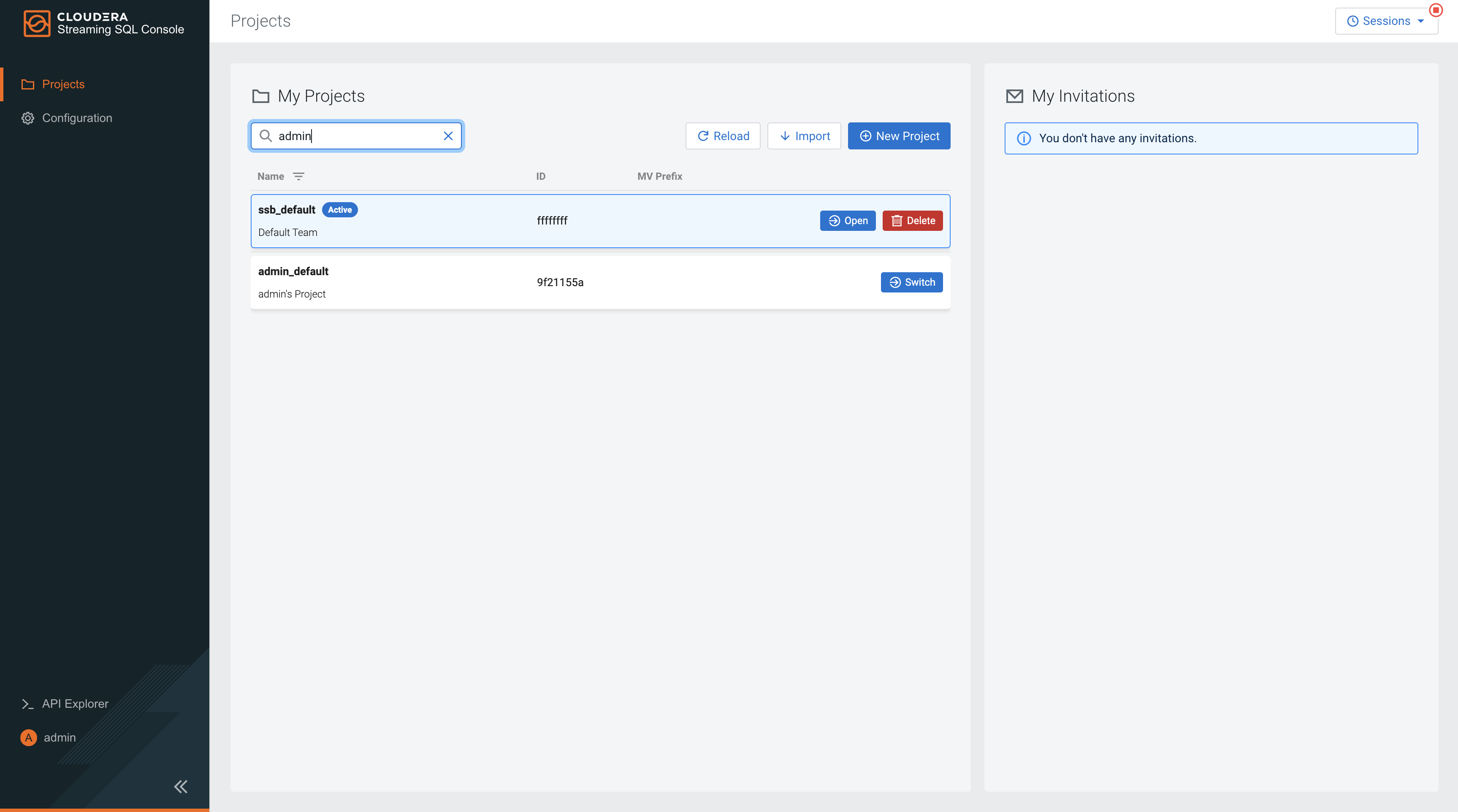
minikube service ssb-sse --namespace cld-streaming
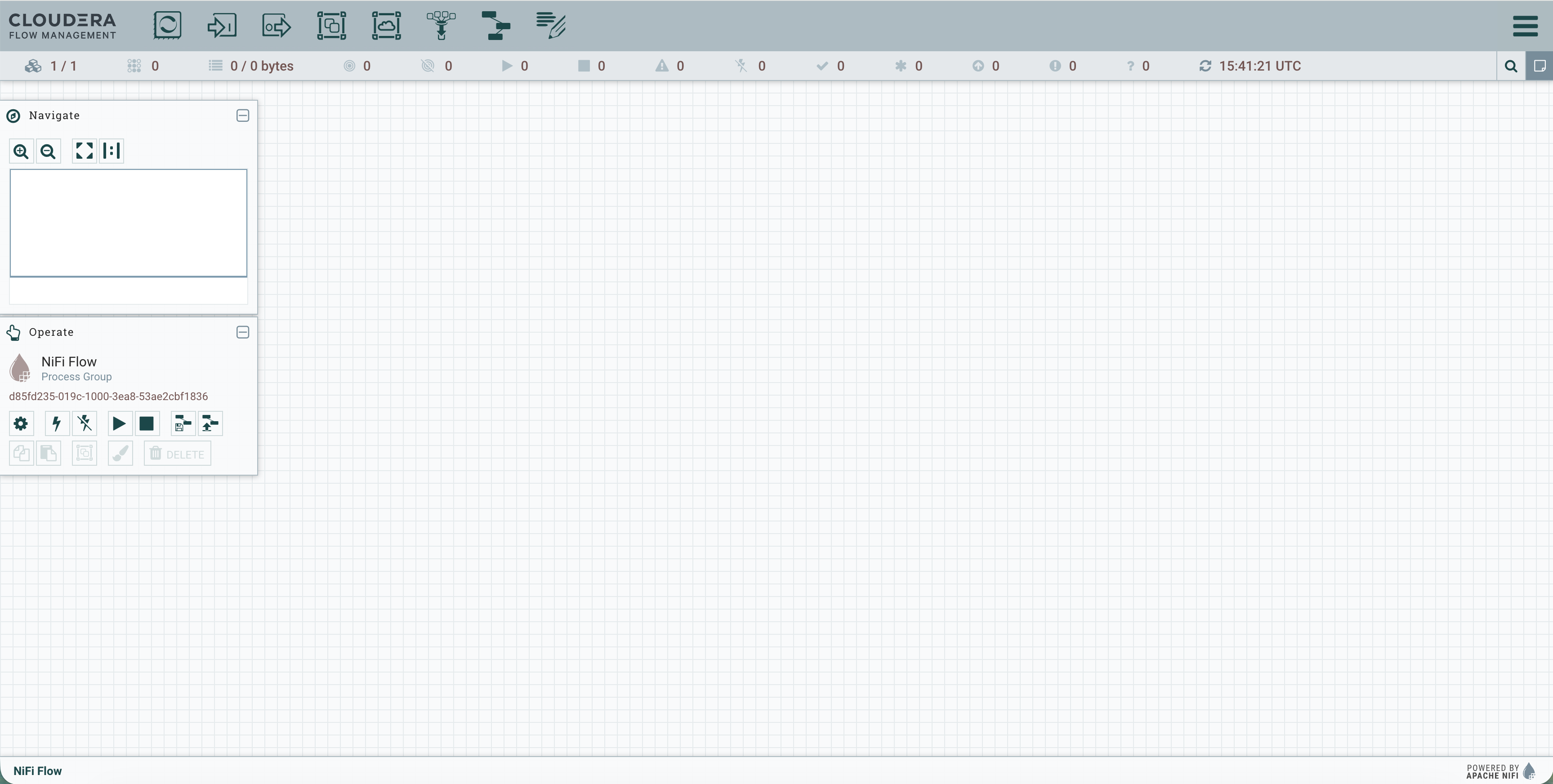
minikube service mynifi-web --namespace cld-streaming
This setup is your “sandbox” for building end-to-end streaming architectures with the Cloudera Streaming Operators.
📚 Resources
- Cloudera Streams Messaging (CSM) 1.6 Docs
- Cloudera Streaming Analytics (CSA) 1.5 Docs
- Cloudera Flow Management (CFM) 3.0 Docs
- ClouderaStreamingOperators
Macbook Setup with Cloudera Streaming Operators Deep Dive
I hope you enjoyed this foundational guide to getting your local environment ready with the Cloudera Streaming stack. By starting with these evaluation examples, you’ve established the baseline knowledge required to navigate the latest CSA 1.5, CSM 1.6, and CFM 3.0 Cloudera Operators.
If you have any questions about Cloudera Streaming Operators or the integration between these components, please reach out!