 Cloudera
Cloudera Streams Messaging - Schema Registry
Updated:
How to get to Schema Registry UI with Cloudera Streams Messaging Operator 1.6
In this quick blog post I am going to show you how to install the CSM Operator’s Schema Registry and expost the UI using my macbook and minikube.
First, lets skip the “hard install” docs, and work with the basic evaluation docs. I just want to evaluate that this works and that I can get to and see the Schema Registry UI.
We will need the following contents for sr-values.yaml:
tls:
  enabled: false

authentication:
  oauth:
    enabled: false

authorization:
  simple:
    enabled: false

database:
  type: in-memory

service:
  type: NodePort
Having been through some of the troubles exposing UIs previouly, I was very happy to find minikube making exposing the service with NodePort easy. In the docs you will find this command:
kubectl get service schema-registry-service --namespace csm-operator
I was even happier for AI to share with me this command:
minikube service schema-registry-service --namespace csm-operator
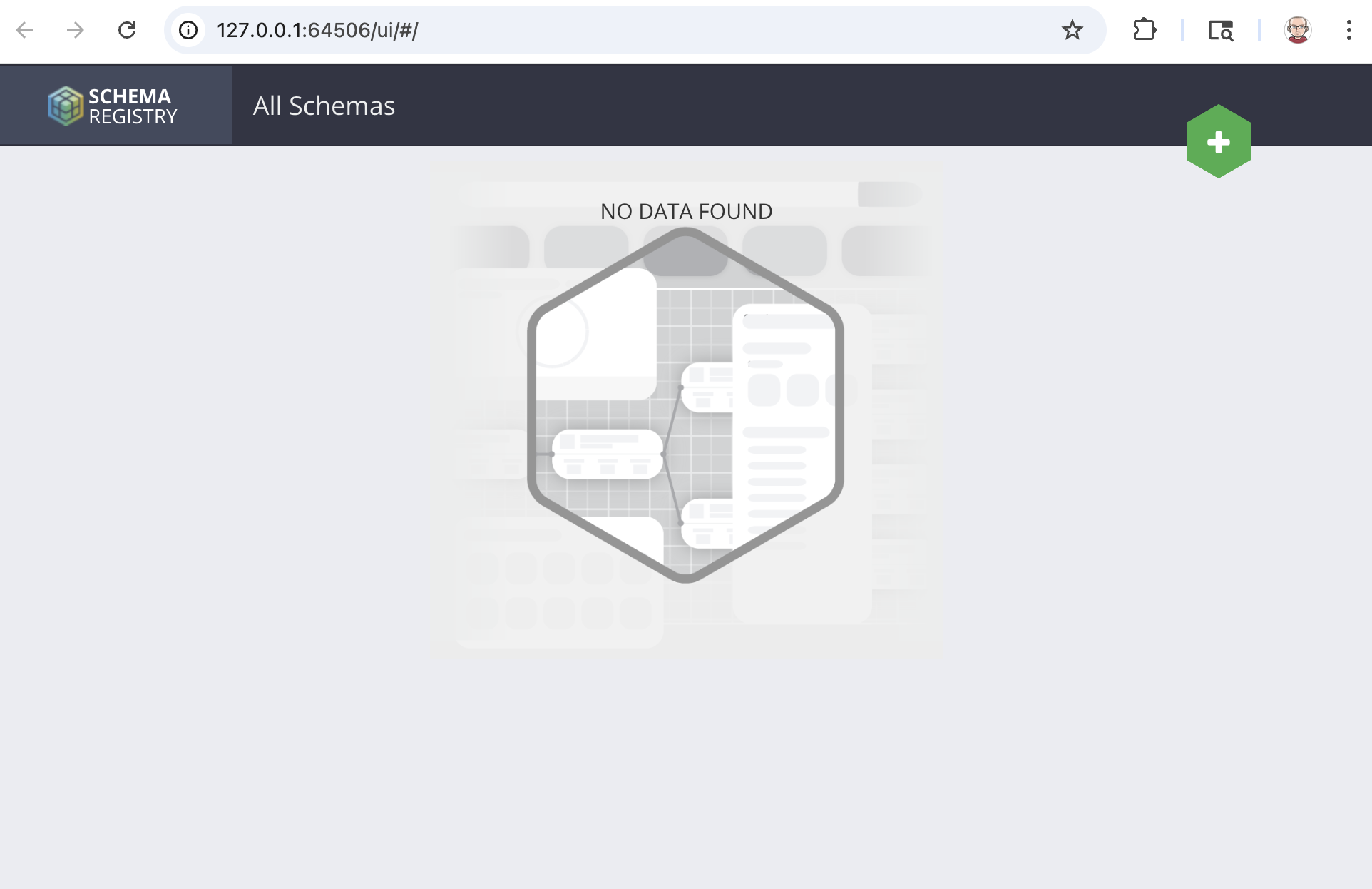
which swiftly moved me from terminal to the UI:
You can still do port forward too:
kubectl port-forward service/schema-registry-service 9090:9090 --namespace csm-operator
Note: Check out my full command stream for the session above:
 Watch out! Be careful with upstream documentation copy paste code boxes with \\ and return lines they will often times mess you up.
minikube start
minikube addons enable ingress
helm registry login container.repository.cloudera.com\
kubectl create secret docker-registry docker-pull-secret \\n --namespace "csm-operator" \\n --docker-server "container.repository.cloudera.com" \\n --docker-username "username" \\n --docker-password "password"
kubectl create secret docker-registry docker-pull-secret --namespace "csm-operator" --docker-server "container.repository.cloudera.com" --docker-username "username" --docker-password "password"
cp path/to/my_license.txt ./license.txt
helm install strimzi-cluster-operator --namespace csm-operator --set 'image.imagePullSecrets[0].name=docker-pull-secret' --set-file clouderaLicense.fileContent=./license.txt --set watchAnyNamespace=true oci://container.repository.cloudera.com/cloudera-helm/csm-operator/strimzi-kafka-operator --version 1.6.0-b99
kubectl get deployments --namespace csm-operator
kubectl get pods --namespace csm-operator
nano sr-values.yaml
kubectl get pods --namespace csm-operator
kubectl get deployments --namespace csm-operator
kubectl get kafka -n csm-operator
helm install schema-registry \\
  --namespace csm-operator \\
  --values sr-values.yaml \\
  --set 'image.imagePullSecrets[0].name=docker-pull-secret' \\
  oci://container.repository.cloudera.com/cloudera-helm/csm-operator/schema-registry \\
  --version 1.6.0-b99
kubectl get deployments --namespace csm-operator
kubectl get service schema-registry-service --namespace csm-operator
minikube service schema-registry-service --namespace csm-operator
As always, check out the entire DOCS for the CSM Operator.
If you would like a deeper dive, hands on experience, demos, or are interested in speaking with me further about Cloudera Streams Messaging Operator please reach out to schedule a discussion.